How to Spot a Fake Wallet App Before You Install It
Fake wallet apps that steal seed phrases have appeared on official app stores before. Here is how to check before you download.
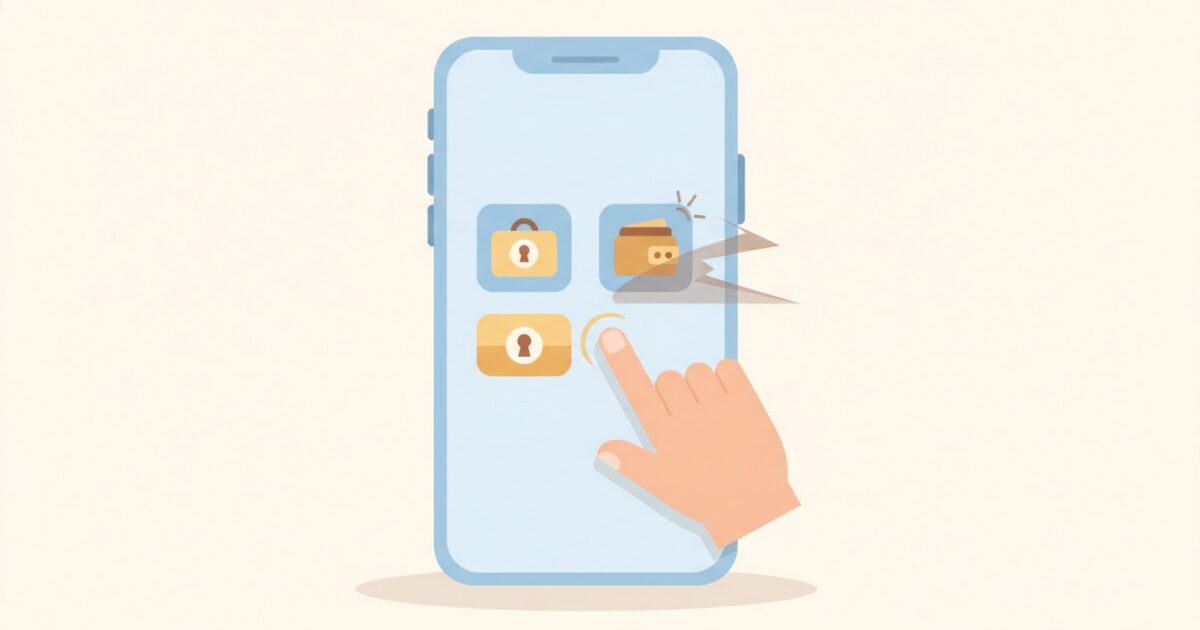
Difficulty: Beginner · Time needed: 5 minutes · What you’ll need: Nothing but a careful eye before you tap install.
Why this genuinely happens
Fake wallet apps designed to steal seed phrases have appeared on official app stores before, sometimes staying up for weeks before being removed. They typically look nearly identical to the real thing, request a seed phrase during a fake “import” or “restore” step, and quietly send it straight to the scammer the moment it’s entered.
How to check before you install
- Go to the wallet’s official website first — search for it directly rather than searching the app store first — and find the exact link to the real app listing from there.
- Check the developer name on the app store listing matches the real company, not a similar-sounding variant.
- Check install numbers and review history. A wallet used by millions with years of reviews is a very different risk profile from one with a handful of downloads and reviews from the last few days.
- Be suspicious of unusually high star ratings with very recent, generic-sounding reviews — a known pattern for fake listings trying to look legitimate quickly.
- Never install a wallet app from a link sent to you in a message, email, or social media post, however official it looks. Always navigate there yourself.
The real test: does it ask you to type in an existing seed phrase?
Setting up a brand-new wallet should never ask you to enter an existing seed phrase — that option is only for restoring a wallet you already had. If a new install immediately prompts you to “import” or “verify” using a seed phrase, treat it as a serious red flag and stop.
Related reading
Robyn Alcaraz
Wallets, safety and scams
Covers wallets, account security and the scams aimed at people who are new — how they work, what they look like in practice, and the habits that stop them.
A standing byline of the Bright Start News desk, not an individual journalist. Everything published under it is written and edited by the desk, which is accountable for it.
Keep reading
How to Set Up a Hardware Wallet
A physical device for holding your keys offline — worth it once your holdings grow. Here is how setup actually works.